 OneTeam
Your roster, in one list
Create a team, add players, and keep every contact and position together instead of spread across five threads.
OneTeam keeps your roster, your schedule and your team chat in one place — so the only thing left to argue about is the lineup.


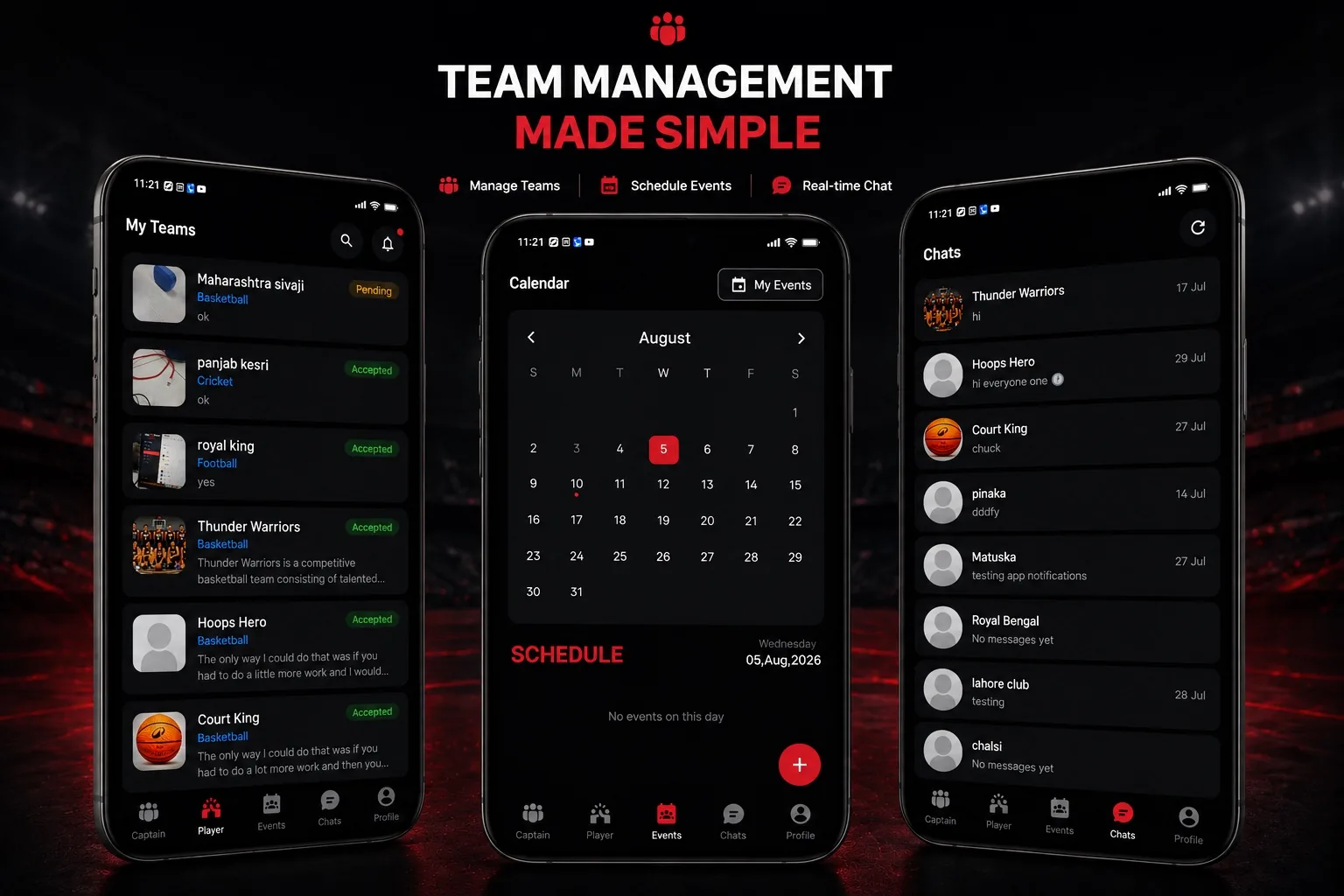
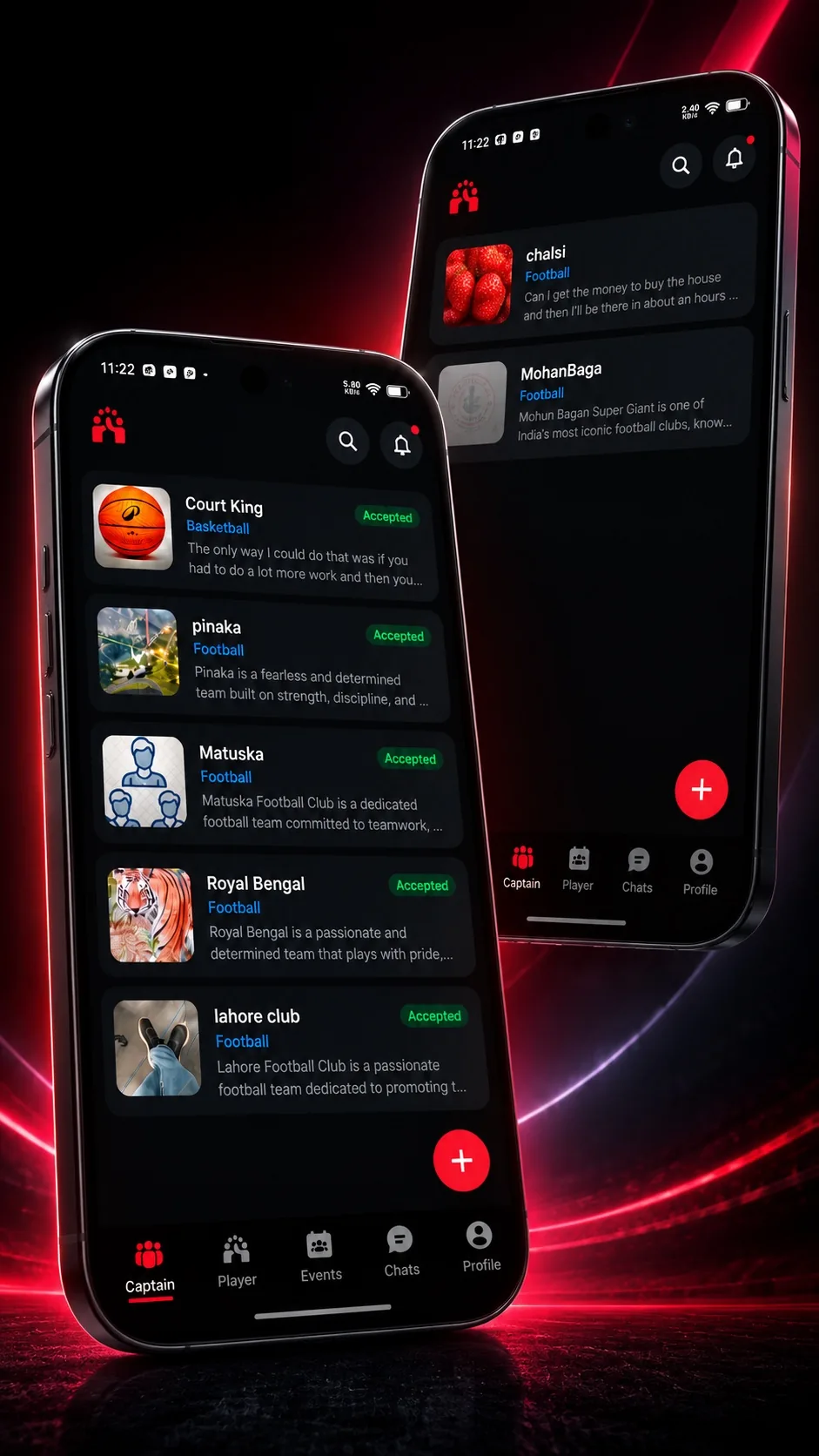
OneTeam moves the way a season does — build the squad, get everyone in, then put the events on one calendar.
Name it, pick the sport, and you've got a home for the season.
Share the join link over text message or hand out the team code. One tap and they're on the roster.
Add the event or the training session. Invites go out and reminders follow.
 Built for real teams
Match details shouldn't live between memes and forwarded videos. OneTeam gives the team one place where the important things stay findable.
The event, the venue and the time sit on a calendar, not in a scroll-back.
Push alerts carry schedule changes to the whole squad, not just whoever's online.
Players join themselves from a link. You never retype a phone number again.
Parents can stay connected to your child's team, no matter how busy life gets. OneTeam keeps schedules, practices, games, team updates and important announcements in one place — no more wondering about practice or game details.
With simple collaboration and communication tools, parents stay informed, engaged and connected throughout the season. Everything your family needs to stay in the loop is right at your fingertips.
Parents are able to manage multiple kids' sports teams in one app, on one calendar.
The season's events sit on one calendar the whole family can check, so nobody has to ask when training is.
Game-day reminders and last-minute changes reach you as they happen, not after the drop-off.
Team updates and announcements come straight from the people running the team — not second-hand.
Roster, invites, events, chat and reminders — the whole running of a team, in one app.
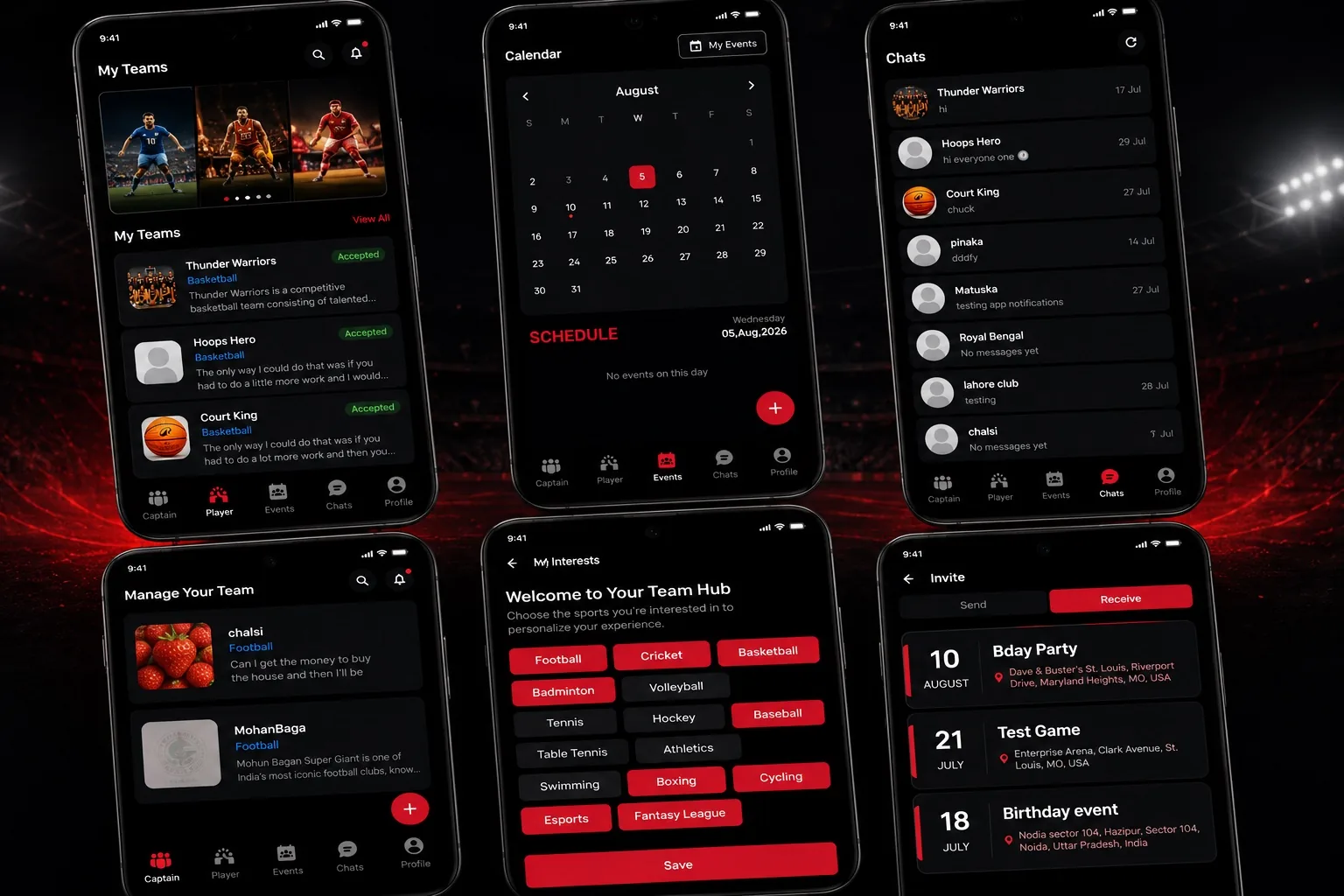
Create a team, add players, and keep every contact and position together instead of spread across five threads.
An event against another team or a casual session with a handful of players — labeled apart, so nobody turns up in the wrong kit.
One thread per team, built into the app, sitting right next to the event it's about.
Run the team you coach and turn out for the teams you joined — the same login, the same list, no second app to install.
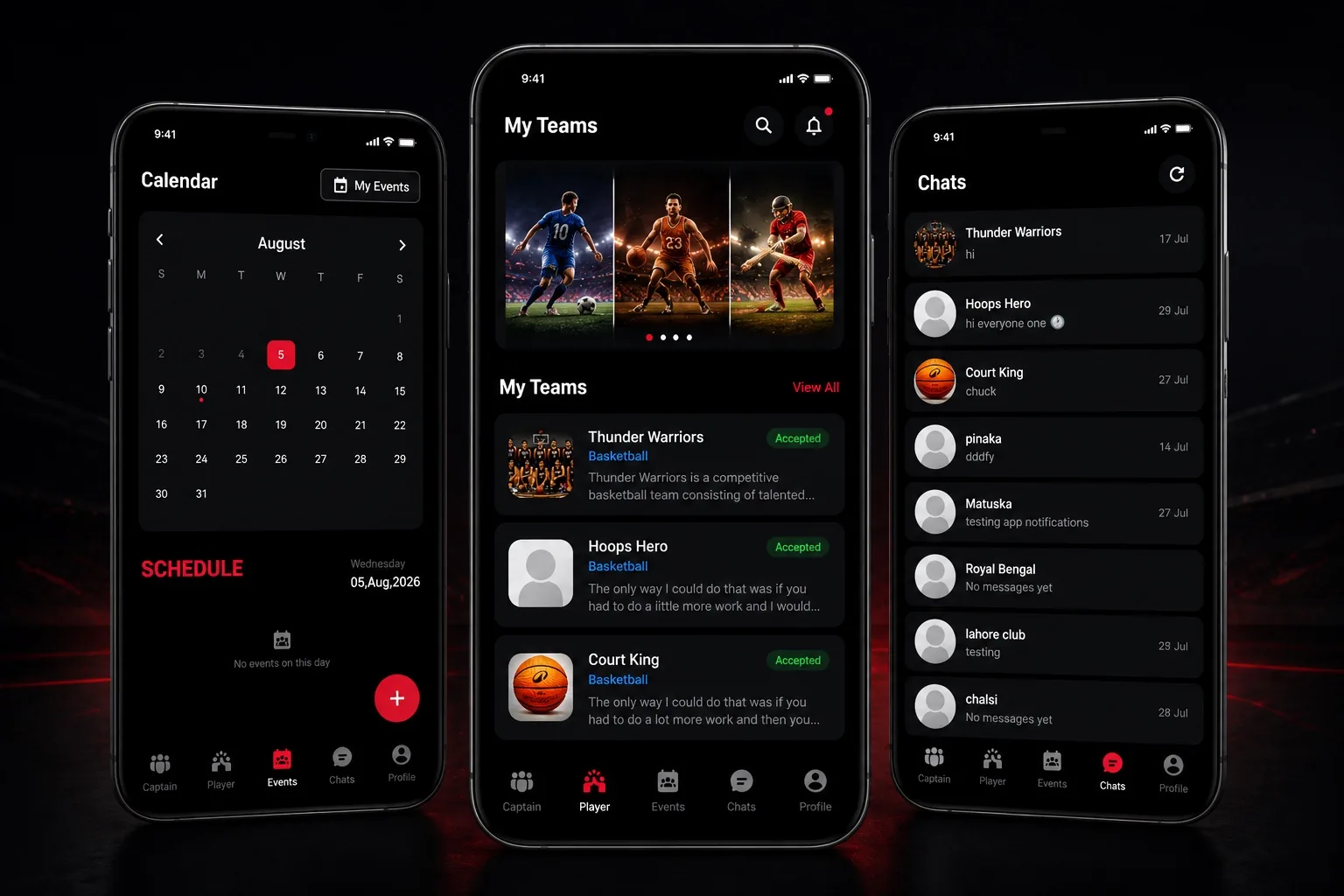 Your season, one calendar
One app. Every sport your club plays.
 Boxing
 Cricket
 Cycling
 Esports
 Athletics
 Badminton
 Baseball
 Basketball
Boxing
Cricket
Cycling
Esports
Athletics
Badminton
Baseball
Basketball
Basketball
Boxing
Cricket
Cycling
Esports
Athletics
Badminton
Baseball
Basketball
 Tennis
 Volleyball
 Football
 Hockey
 Swimming
 Table Tennis
 Fantasy League
Tennis
Volleyball
Football
Hockey
Swimming
Table Tennis
Fantasy League
Fantasy League
Tennis
Volleyball
Football
Hockey
Swimming
Table Tennis
Fantasy League

OneTeam was started by Cory Remekun, a Nigerian-American forward born in Mesquite, Texas. He played his college basketball for the Saint Louis Billikens, then spent his professional career abroad — Bosnia, France, Germany, Greece and Slovenia.
Fifteen plus years of basketball, communication, and group chats, across 5 countries and as many languages. Team chemistry is huge and OneTeam is an app I would’ve love to have.
Yes. One account covers both — the teams you run and the teams you joined show up in the same list, with no second login.
Two ways: share the join link (a text message works fine) or hand out the team code. Either way it's one tap on their side — you don't add anyone manually.
Fifteen at the moment, from football and cricket to esports and fantasy league. The full list is above, and more can be added.
Push notifications go out for new invites, schedule changes and messages, so a time change reaches the squad without a separate announcement.
What we collect and how it's handled is set out in the Privacy Policy. You can remove your account at any time — the steps are on the delete account page.
It's out now on both — the App Store and Google Play. Anything else, the support page has the rest.
OneTeam is out on iOS and Android. Download it, start your team, and put the season on one calendar.